
Custom Rolling Paper Design Guide (2026 Update) - Free Templates
How to Design Custom Rolling Papers 🎨
Your Step-by-Step Design Guide
From blank template to brand-worthy booklet — everything you need to know about the custom rolling paper design process.
📖 10-Minute Read · Updated 2026✍️ Roll Your Own Papers Team | 📅 2026 | 🏷️ Design Guide · Custom Rolling Papers · Branding
📋 Table of Contents
- Why Custom Rolling Paper Design Actually Matters
- Step-by-Step: The Design Process
- Artwork Requirements & File Specs
- Custom Rolling Paper Templates — Download Free
- Colors & Printing Tips
- Special Finishing Techniques
- Booklet Cover Design
- Glossy vs. Matte Finish
- Common Design Mistakes to Avoid
- 🎁 Free Mockup & Design Service
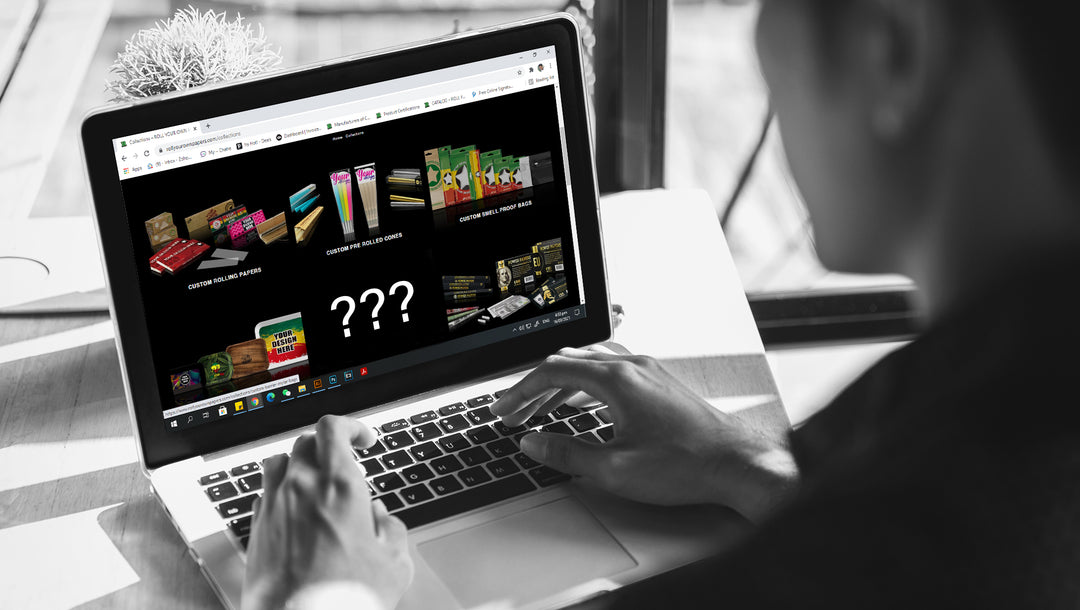
- Our Custom Rolling Paper Collection
- FAQ — 7 Big Questions Answered
So you've got a brand, an idea, or just a really cool logo — and you want it on custom rolling papers. That's a great move. Custom rolling papers are one of the most talked-about promo products in the lifestyle space right now, and a well-designed booklet does a lot more than just look pretty.
But here's the thing: a lot of people get stuck on the design side. What file format? Which template? What's the difference between glossy and matte? Can I actually get foil stamping on a rolling paper booklet? (Yes, you can — and it looks incredible.)
This custom rolling paper design guide walks you through every single step — from choosing the right template to picking your finishes and hitting that final "approve" button. Let's get into it. 🎉
1. 🌟 Why Custom Rolling Paper Design Actually Matters
Most brands think of custom rolling papers as a purely functional product. But there's a big opportunity being missed if that's the whole picture.
When someone pulls out a booklet with your logo on it and passes it around — that's a branding moment. It sparks conversations, gets photographed, and builds recall in a way that a business card never could. The design of your rolling paper booklet is essentially a tiny billboard that lives in someone's pocket.
- Dispensaries and brands use them to build loyalty and stand out at events
- Event organizers use them as premium branded giveaways
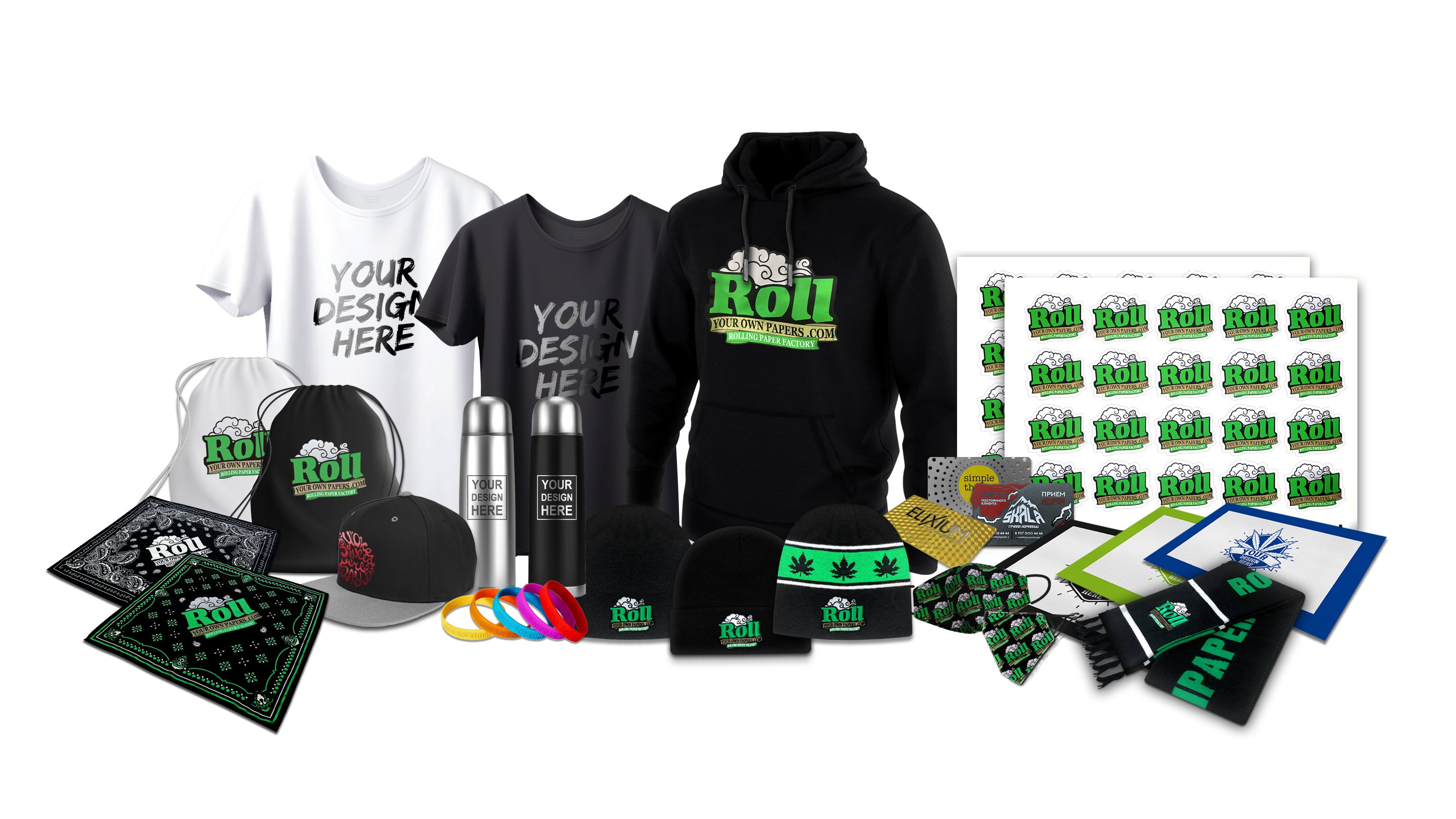
- Artists and creatives use them as merch that people actually use
- Retailers use private-label booklets to increase margins
The design isn't an afterthought. It's the whole product. So let's make it count. 💪
2. 🪜 Step-by-Step: The Design Process
Here's the exact flow we recommend for every custom rolling paper project — whether you're a first-timer or you've ordered before.
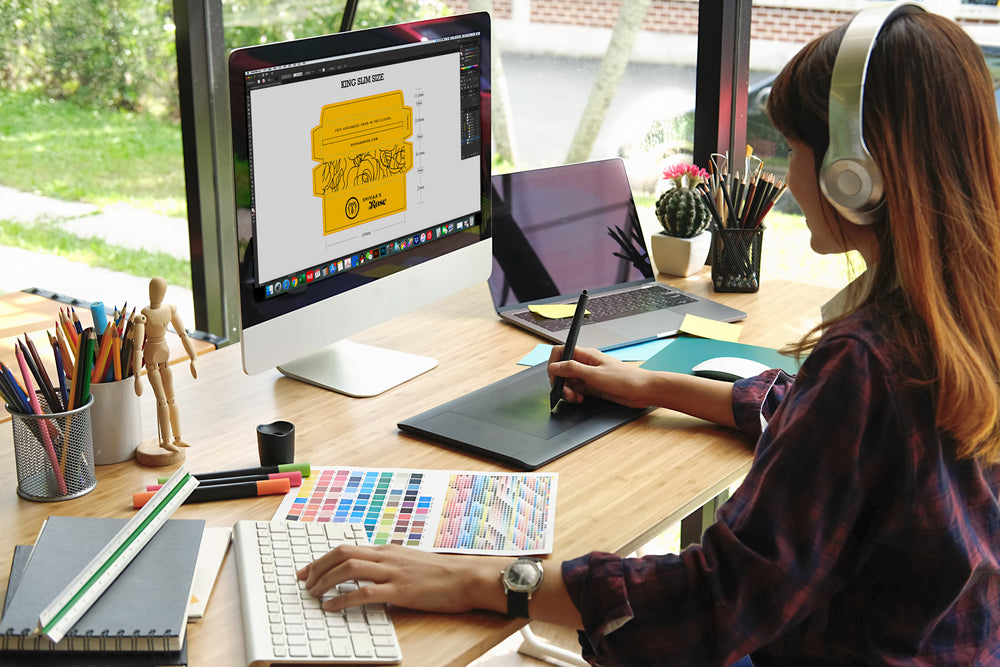
Select Your Product & Download the Right Template
Different products have different print areas, bleed requirements, and dimensions. Start by choosing the product — 1¼ size, King Slim, or another format — then grab the matching template from the section below. Using the wrong template is the #1 source of delays, so don't skip this step.
Define Your Mood, Tone & Concept ✨
Before you open Illustrator (or Canva), get crystal clear on the vibe. Premium and minimal? Bold and streetwear? Psychedelic and artistic? Vintage and earthy? A defined concept makes every design decision easier. And remember — special finishing techniques like UV spot coating, foil stamping, and embossing can elevate even a simple layout into something unforgettable.
Select Your Rolling Paper Type & Crutch Type
The paper itself matters too. We offer bleached rice paper (great for vivid, full-color printing), natural/unbleached options (popular for earthy and organic-positioned brands), and hemp paper. Your filter tips can be unbleached or bleached as well. Matching your crutch type to your brand positioning is a detail your customers will appreciate.
Choose Your Finishing — Glossy or Matte
This applies to the booklet cover. Glossy = vibrant, reflective, high-contrast. Matte = soft, sophisticated, upscale. Some orders pair a matte base with UV spot coating on specific elements (like a logo) to create a contrast that really pops.
Submit & Let Us Handle the Rest 🙌
Upload your artwork (or send it to us). We'll review it, flag any issues, and move to production once you sign off. Not sure about your design? Request a free mockup first — more on that further down.
💡 Pro Tip: Always lock in your concept before you open a design tool. Changing direction after you've built out a full layout costs time. A quick mood board (even just a Pinterest folder) saves hours.
3. 🖼️ Artwork Requirements & File Specs
Getting your files right the first time keeps your order on schedule. Here's what our print team needs:
For the Rolling Paper (Leaf) Print
- Format: Vector PDF (preferred) or high-res raster PNG/TIFF
- Color mode: CMYK only — up to 4 spot colors on the paper
- Resolution: 300 DPI minimum at final print size
- Bleed: Include 2mm bleed on all sides
- Safe zone: Keep all key art at least 3mm from trim edges
- Fonts: Outline all text — never submit live/editable fonts
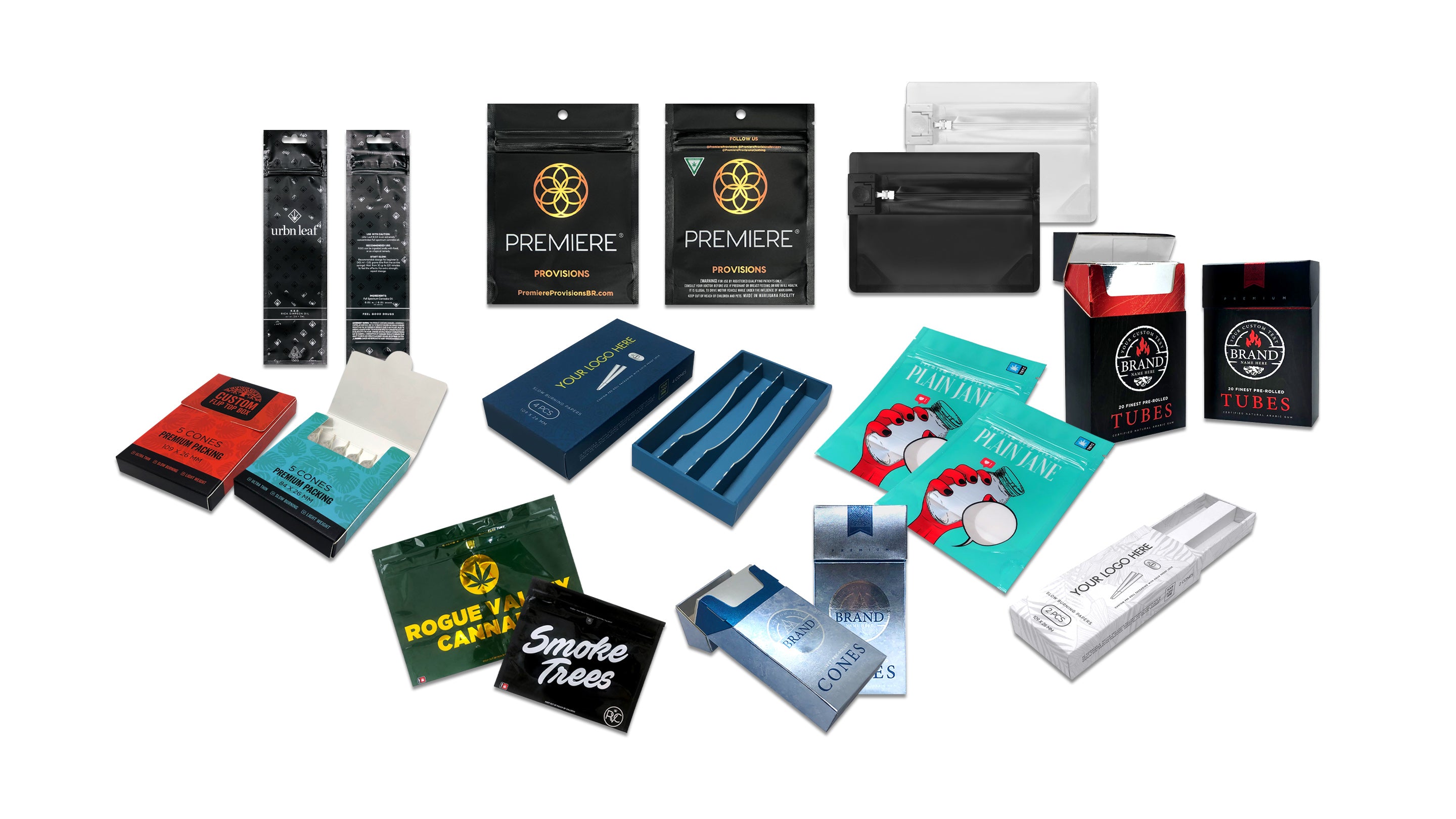
For the Booklet Cover & Display Box
- Format: PDF (CMYK), AI, or EPS — vector preferred
- Full color CMYK: supported on booklet cover and display box
- Images embedded: All linked images must be embedded in the file
- Spot UV / Foil areas: Provide a separate layer or file clearly marked
⚠️ Watch out: Submitting files in RGB instead of CMYK is the most common color issue we see. Colors that look bright on screen can print darker and less saturated. Always convert to CMYK before submitting.
What to Avoid
- Low-resolution logos sourced from websites (72 DPI won't work)
- Thin lines under 0.25pt — they may disappear in print
- Text smaller than 6pt on the paper — hard to read at scale
- Non-outlined fonts (if the print team doesn't have your font, it'll substitute)
4. 📐 Custom Rolling Paper Templates — Download Free
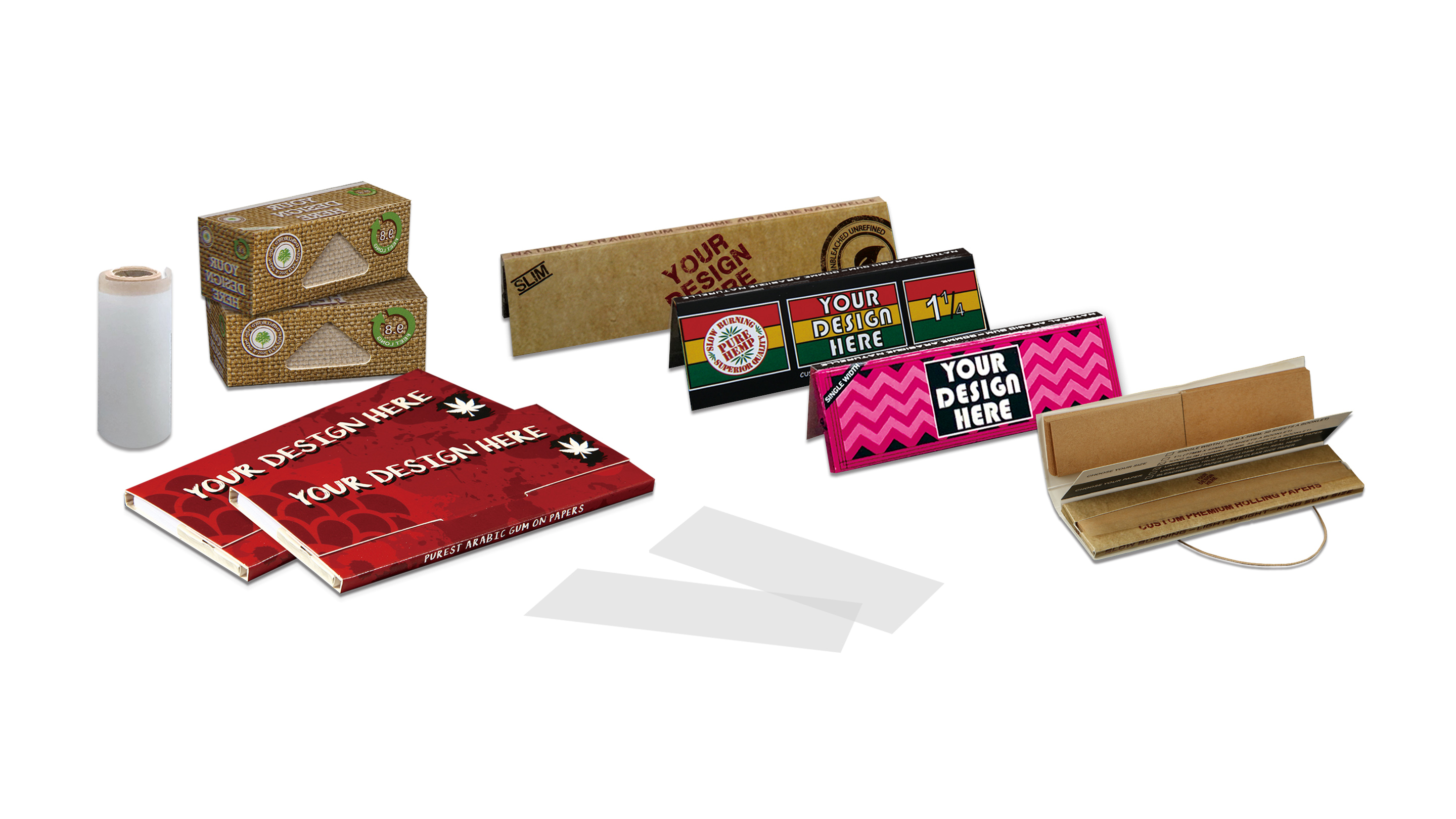
Every product has its own layout — dimensions, fold lines, print zones, and bleed areas are all built into the template. Always start your design with the correct template file for your product. Here are our most popular ones:
🏃 Low Minimum Custom Rolling Paper Booklets
Great for first-time orders, events, and small brands testing the water.
📄 1¼ Size — Rush Low MOQ Template 📄 King Slim — Rush Low MOQ Template📦 Standard Custom Rolling Paper Booklets
Our most popular options — larger print runs with more flexibility on finishes.
| Size | Leaves | Booklets/Box | Template |
|---|---|---|---|
| 1¼ | 40 Leaves | 25 per box | 📄 Download |
| 1¼ | 40 Leaves | 50 per box | 📄 Download |
| King Slim | 32 Leaves | 50 per box | 📄 Download |
| King Slim | 32 Leaves | 25 per box | 📄 Download |
📌 We carry a lot more products beyond these — each product page has an "Artwork Guideline" tab with its own template. Browse the full collection at: rollyourownpapers.com/collections/custom-rolling-papers
5. 🎨 Colors & Printing Tips
Printing on the Rolling Paper Leaf
The paper itself is a super thin, semi-translucent surface — quite different from printing on cardstock. Our bleached rice paper is the most print-friendly option, giving you deep, vivid color output. Unbleached and natural papers can be used too but the surface tone affects how colors appear.
- Up to 4 spot colors on the paper itself — additional colors available at extra cost
- We use 100% certified soy-based ink — clean, eco-friendly, and vivid
- Bold, simple designs work better on the leaf than tiny detail-heavy artwork
- White ink is not typically used on rolling papers — the paper itself is the "white"
Printing on the Booklet Cover
The booklet cover is where you have the most creative freedom. Full-color CMYK printing is available — photography, gradients, and complex illustrations all work. The cover uses lithographic offset printing for a sharp, consistent result.
- Use Pantone references if brand color accuracy is critical
- Dark backgrounds with gold or silver foil stamping = always stunning
- High-contrast designs read better at the small scale of a booklet
- All images must be at least 300 DPI — web-pulled images never print cleanly
6. ✨ Special Finishing Techniques — Level Up Your Booklet
This is where things get really exciting. Beyond just printing your logo, you can add physical texture and premium finishes that make your booklet genuinely feel special in someone's hands.
UV Spot Coating
A clear, high-gloss lacquer applied only to specific areas — your logo, for example. Creates a striking contrast against a matte background. Also called "UP Spot" coating.
Foil Stamping
Metallic foil — gold, silver, rose gold, holographic, and more — pressed directly onto the material. Premium, luxurious, and incredibly eye-catching. Perfect for logos and brand names.
Embossing
Creates a raised, 3D tactile effect in the material without ink. Feels premium the moment someone picks it up. Often used on logos or wordmarks for a sculpted, tactile brand moment.
These techniques can be used individually or combined — for example, embossing a logo area with a foil overlay on top creates something that really stands apart from anything in the mass market.
💡 Designer Tip: When specifying a spot UV or foil area, always supply it as a separate layer in your file — clearly labeled — or as a separate PDF. Treat these as isolated "knockout" shapes over the main artwork.
7. 📖 Booklet Cover Design — What Makes It Work
The booklet cover is the primary face of your product. It's what sits on shelves, gets photographed, and makes the first impression. Here's how to approach the cover design with intention.
Layout Zones to Think About
- Front face: Primary branding zone. Logo, product name, key visual. Keep it clean and impactful.
- Back face: Taglines, website, social handles, ingredients, or regulatory text.
- Spine: A logo or brand name here shows up when booklets are stacked on a shelf.
- Inside flap: A great space for a brand story, QR code, or promo offer.
Design Styles That Perform Well
- Full-bleed photography or illustration — creates an editorial, lifestyle feel
- Bold single-color backgrounds with a centered logo — clean, premium, instantly readable
- Pattern-based designs — great for gifting and collectible booklets
- Vintage / retro typography — always trending in the lifestyle accessory space
🧲 Magnets: A Worth-It Upgrade
We offer booklets with magnetic closure — and it's genuinely a game-changer for perceived value. Every time a customer opens and closes the booklet, there's a tactile satisfaction that reinforces the premium feel. If your brand is positioned at the higher end, magnetic booklets are absolutely worth it.
8. 🪟 Glossy vs. Matte Finish — Which Should You Choose?
This one comes down to brand personality. Neither is objectively better — it's about what your brand sounds like.
| Finish Type | Best For | Vibe |
|---|---|---|
| ✨ Glossy | Bold, colorful, high-energy brands | Vibrant, modern, retail-ready |
| 🌫️ Matte | Minimalist, luxury, or artisan brands | Soft, sophisticated, premium feel |
| 🔦 Matte + Spot UV | Any brand wanting maximum impact | Contrast-driven, showstopper |
9. 🚫 Common Design Mistakes to Avoid
We've seen thousands of submissions come through. Here are the mistakes that slow orders down or result in reprints — all completely avoidable.
| Mistake | Why It's a Problem | The Fix |
|---|---|---|
| Submitting RGB files | Colors shift when converted to CMYK in print | Convert to CMYK in Photoshop/Illustrator before exporting |
| Low-res logos | Prints blurry or pixelated | Use vector (.ai, .eps) or 300+ DPI raster format |
| Using the wrong template | Design doesn't align with trim or print zones | Always download the template for your exact product |
| Live/unoutlined fonts | Font may substitute if not available on print systems | Outline all text before saving the final PDF |
| Text too close to trim | Text gets cut off during finishing | Keep all important content 3mm+ inside the safe zone |
| Too much detail on paper leaf | Fine detail disappears on thin rolling paper | Use bold, simple art on the leaf; save detail for the booklet |
🎁 Free Mockup & Design Service — Seriously, It's Free
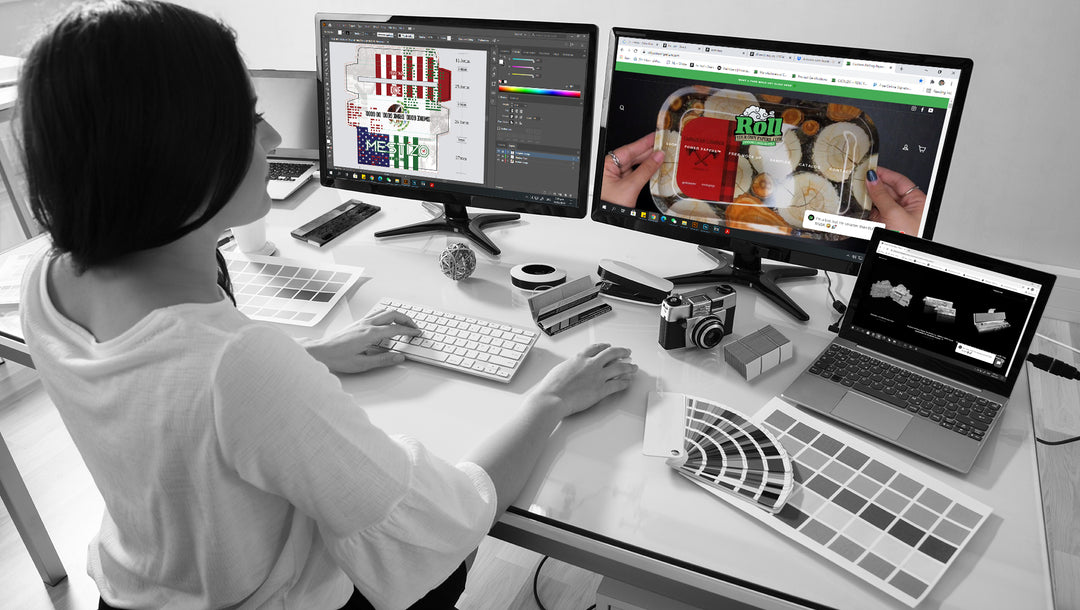
This is one of the most underused things we offer — and honestly, one of the most valuable. Before you place any order, you can request a free visual mockup of your design on the actual product. Our design team will take your logo or artwork and build you a realistic preview.
What You Get with the Free Mockup
- A realistic preview of how your logo looks on the booklet and/or rolling paper
- Color and layout feedback from our team
- A chance to catch any issues before production starts
- Zero commitment required — it's genuinely just a free service
Don't Have a Designer? No Problem At All 🤝
We also offer a full design service for brands that don't have design assets ready. Send us your logo, brand colors, and a brief description of the vibe you're going for — and our team will build the design for you. Whether you've got a finished file ready to go or just a rough idea sketched on a napkin — we've got you. We're genuinely happy to help at any stage of the process. 💚
🛒 Shop Our Custom Rolling Paper Collection
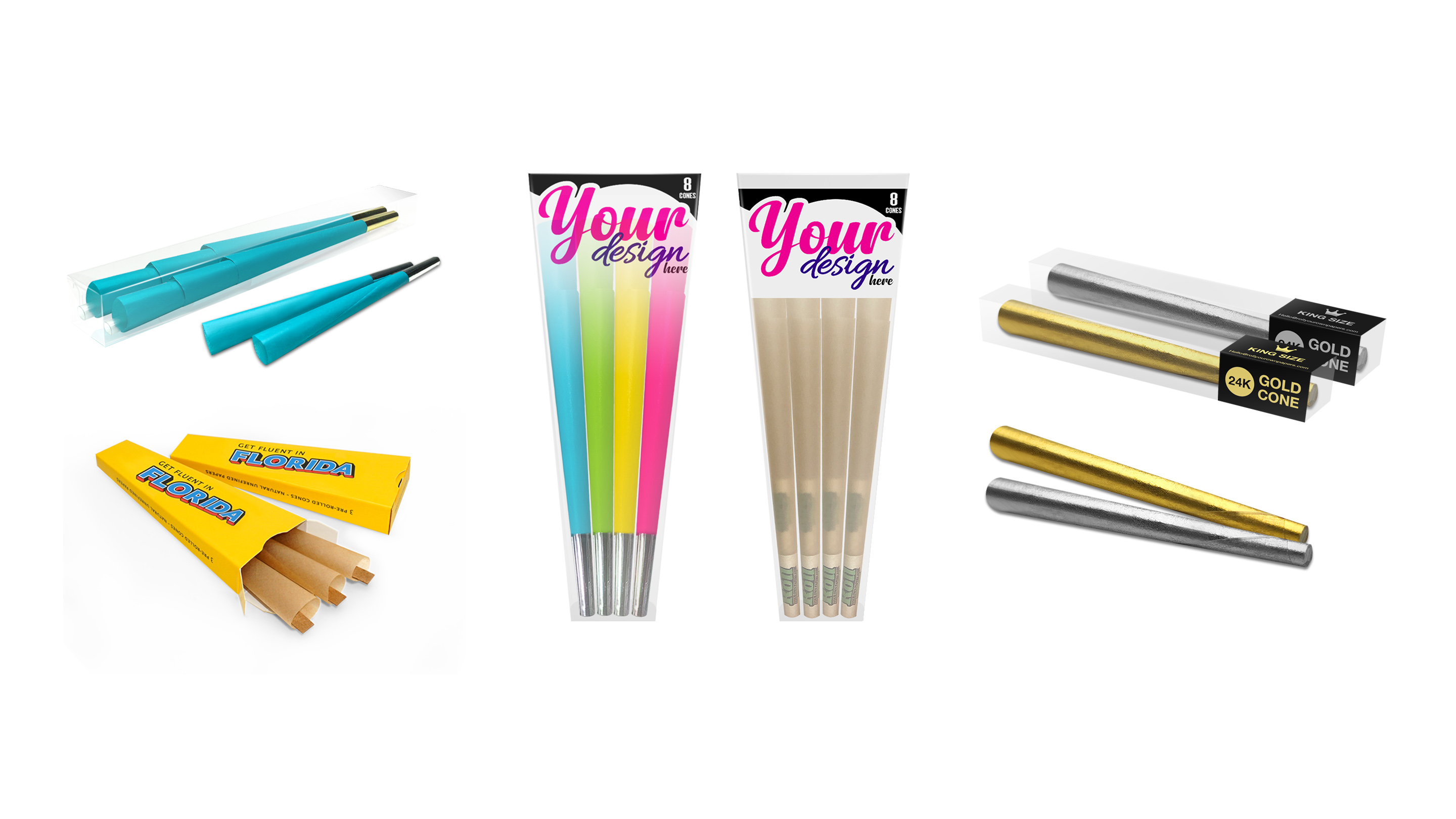
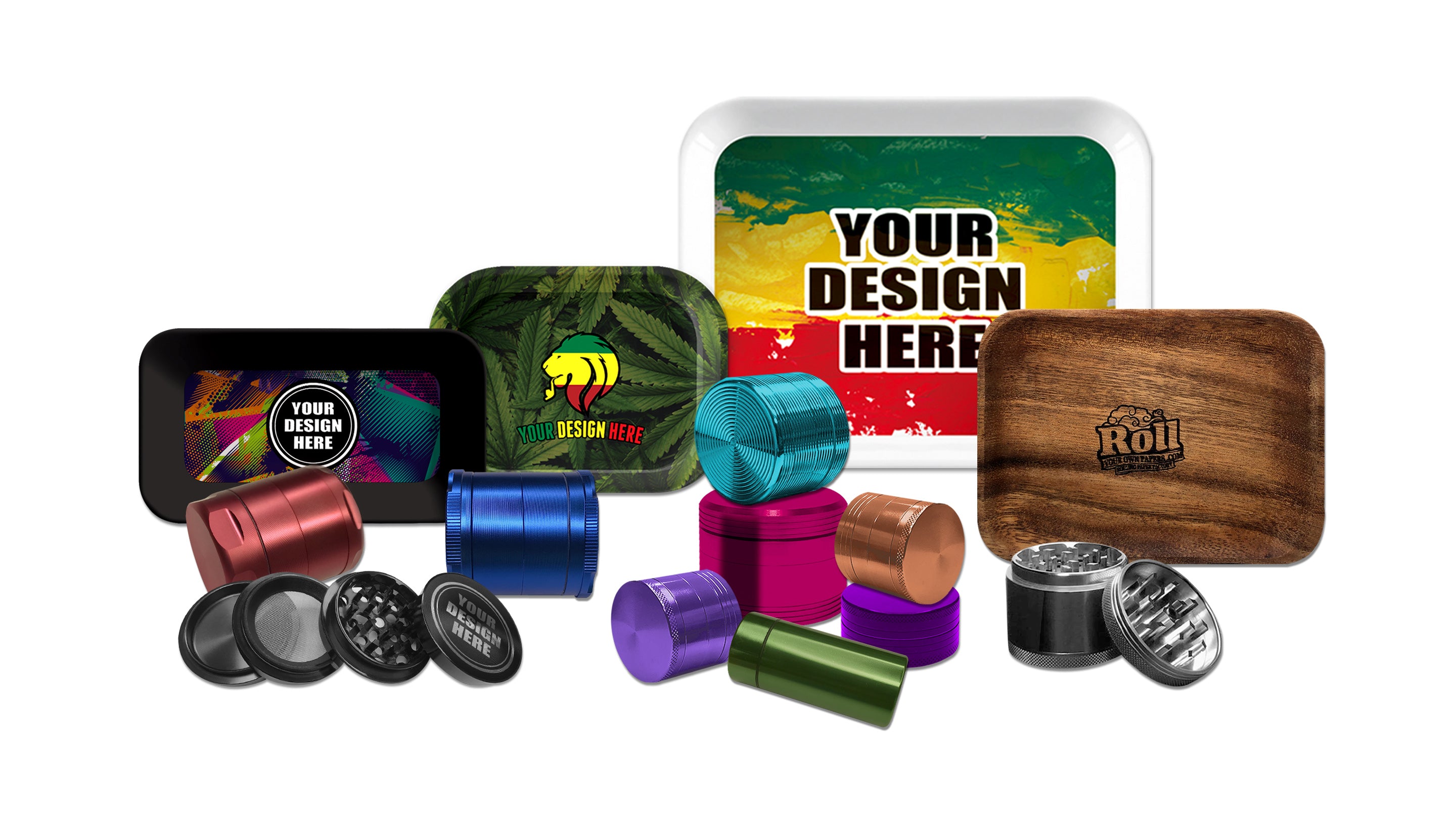
Whether you're building a brand, stocking a dispensary or shop, or designing something just for the love of it — we've got the products, the expertise, and the lowest minimums in the game. From 1¼ booklets to King Slim, printed paper to display boxes, we offer worldwide shipping and a no-nonsense pricing policy with no hidden fees — ever.
Every product comes with a print-ready template, a free mockup option, and a team that's genuinely excited to see what you create.
🌿 Browse Custom Rolling Papers →Ready to Design Your Custom Rolling Papers? 🚀
Start with a free mockup — no commitment, no minimum, just a chance to see your brand on paper before you order.
🎨 Get Free Mockup 📦 Shop All Products❓ FAQ — Your Custom Rolling Paper Design Questions Answered



Leave a comment